Media Library Scan
Scan your WordPress Media Library and quickly see which images are in use and which ones may be unused.
Media Usage Scanner helps you clean up your WordPress Media Library by showing which images are currently in use and which ones may no longer be needed. You can check the usage details before deleting anything, making it easier to remove old or unnecessary media files.
5.06 reviews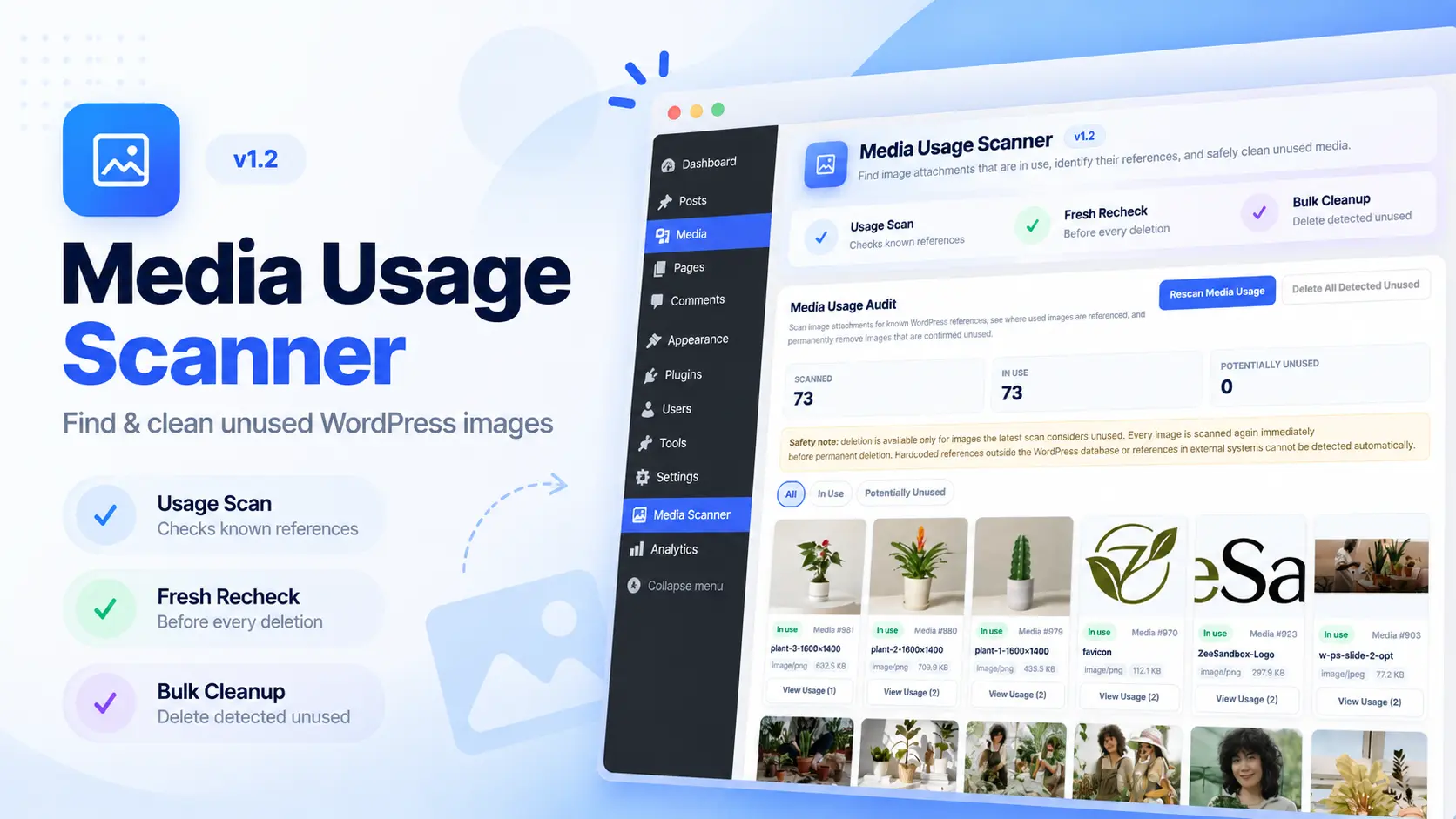
Scan your WordPress Media Library and quickly see which images are in use and which ones may be unused.
Check where an image is currently being referenced before deciding whether to remove it.
Find media files that are no longer connected to active website content.
Permanently remove an individual unused image directly from the scanner.
Delete multiple detected unused images without manually opening each media item.
The plugin checks an image again before deletion to reduce the chance of removing a file that is still being used.
What people say about Media Usage Scanner.
Works well. I liked that it checks the image again right before deleting it, that gave me some peace of mind. Bulk cleanup saved a lot of clicking too.
Our hosting space was filling up and the media folder was the main reason. This helped me find the images nobody was using anymore and remove them in one go. Saved me a few hours of manual checking.
Was expecting something complicated but it’s pretty straightforward. Ran the scan, went through the unused list, deleted what I didn’t need. Took backup first just to be safe, but didn’t need it.
The usage details are the best part for me. Before deleting anything I could see which post or page was using it. Cleared out a lot of junk from a client site before handover.
Had years of old images sitting in the media library and no idea which ones were safe to delete. This showed me exactly where each image was being used, so I could clean up without worrying about breaking pages. Simple and does what it says.
Our hosting space was filling up and the media folder was the main reason. This helped me find the images nobody was using anymore and remove them in one go. Saved me a few hours of manual checking.
Your email stays private and is never shown on the website.
You’ll get a confirmation email with a private link to follow the conversation. I usually reply within 24 hours.