When Dokan Isn’t Enough: Building Custom Marketplace Features with PHP
Dokan covers the basics of a multi vendor marketplace, but real business workflows often need more. See how I use custom PHP, WooCommerce hooks, APIs, and Dokan customization to build features around specific marketplace requirements.
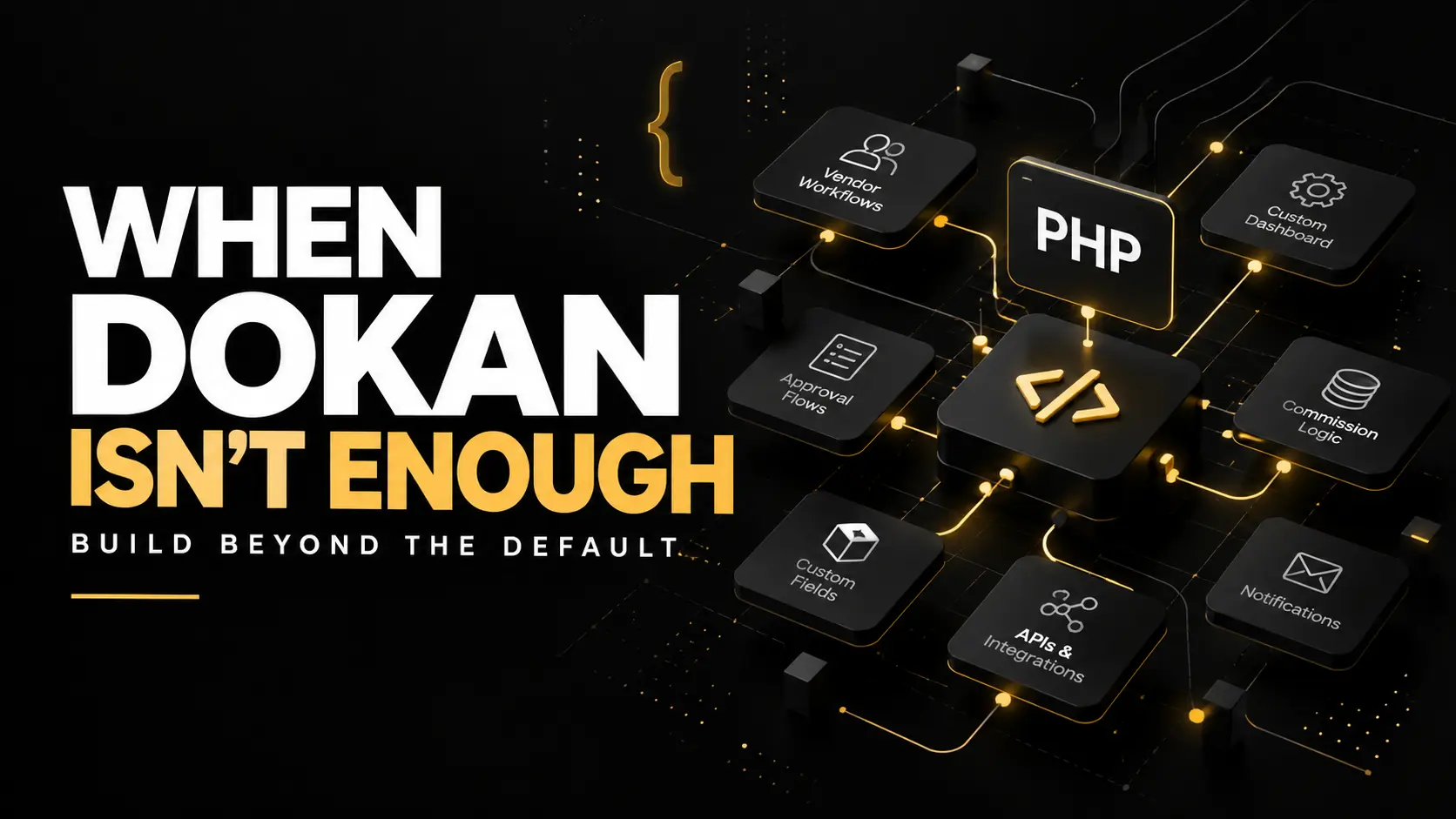
Dokan is a good starting point for building a multi vendor marketplace with WooCommerce. It handles many of the basics, including vendor registration, product management, orders, commissions, withdrawals, and vendor dashboards.
But in my experience, the default features are rarely the end of the project.
Once a marketplace has its own business rules, approval process, vendor requirements, payment logic, or dashboard needs, installing another plugin for every requirement isn't always the right solution.
This is where custom development becomes important.
The Marketplace Usually Starts Simple
A typical project might begin with a straightforward requirement:
Vendors register, add products, receive orders, and manage everything through their dashboard.
Dokan can handle much of this out of the box.
Then the real requirements start appearing.
Maybe vendors shouldn't become active immediately after registration. Maybe every listing needs admin approval. Perhaps different vendors need different commission rates. The marketplace may need custom fields, additional statuses, private admin controls, or a completely different vendor dashboard experience.
At that point, the marketplace is no longer just a standard Dokan installation.
It becomes a custom system built around WooCommerce and Dokan.
Custom Vendor Approval Workflows
Vendor registration is a good example.
For some marketplaces, allowing every new vendor to immediately start selling isn't suitable.
I may need to build a workflow where a vendor registers, submits additional information, waits for an admin review, and only gets access to certain marketplace features after approval.
The process could look like this:
Registration → Review → Approval → Vendor Activation
The same idea can apply to products or listings.
Instead of publishing a vendor's submission immediately, it can remain pending until the marketplace administrator checks it.
This gives the marketplace owner much more control over what appears publicly.
Making the Vendor Dashboard Actually Useful
The default Dokan dashboard works for general ecommerce marketplaces, but not every marketplace works the same way.
Sometimes vendors don't need every menu Dokan provides.
Other times, they need information that isn't available by default.
I can use PHP, WordPress hooks, WooCommerce data, and Dokan functionality to change what vendors see and what they can do.
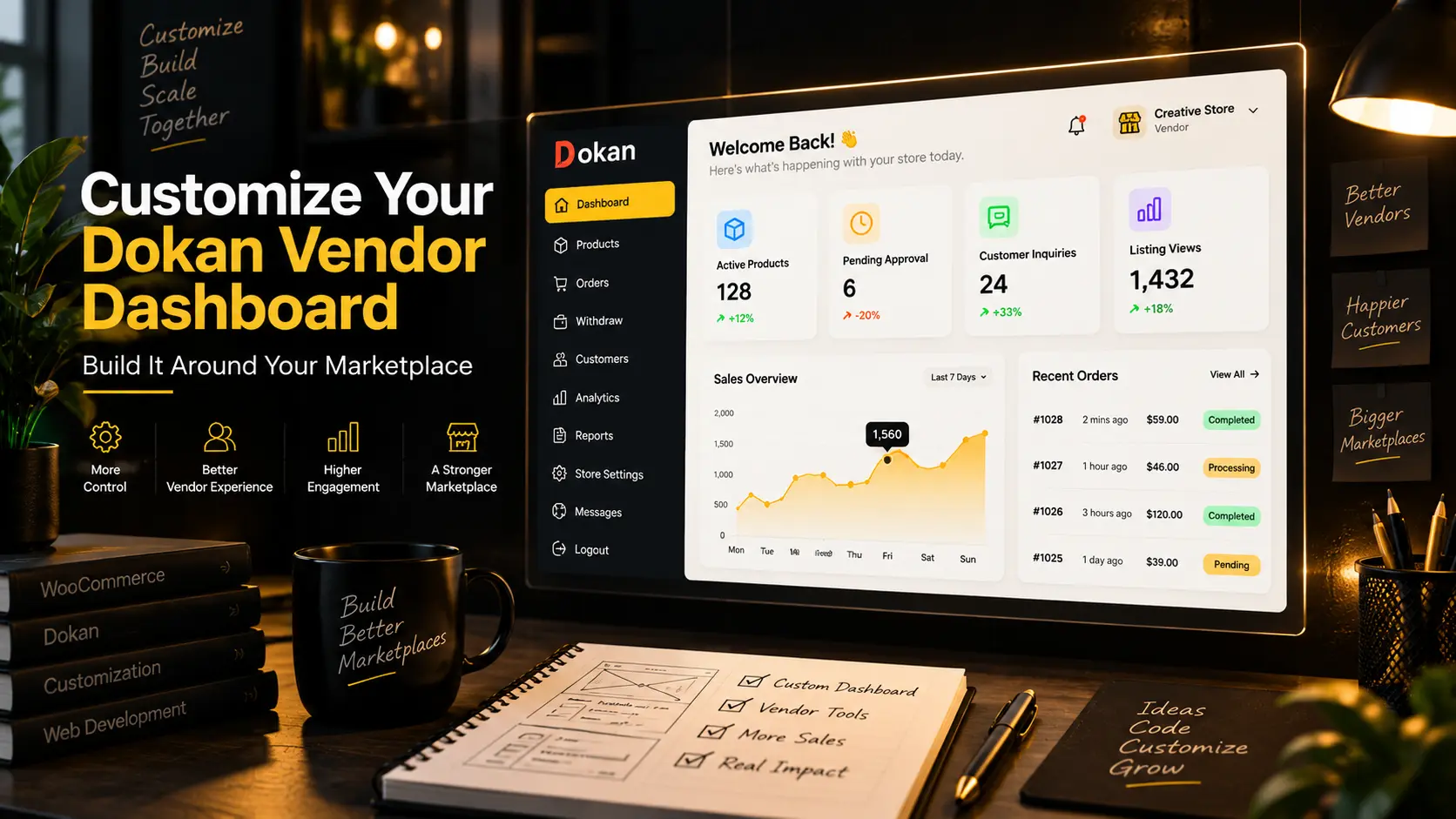
For example, a custom dashboard might show:
Active Listings
Pending Approvals
Customer Inquiries
Listing Views
Orders Requiring Action
Menus can also be removed, renamed, restricted, or replaced with custom sections.
The goal isn't to customize the dashboard just because it can be customized. It should make the vendor's daily work simpler.
Custom Commission Logic
A flat marketplace commission works well until the business model becomes more complicated.
A marketplace might need different commission rules based on the vendor, product category, subscription plan, order type, or another business condition.
For example, one vendor could have a 10% marketplace commission while another has 15%.
Or a marketplace could offer lower commissions to vendors on a premium plan.
This type of logic often needs to be handled carefully because commissions affect orders, reports, vendor earnings, refunds, and payouts.
It's not something I like solving by stacking several unrelated plugins together.
When the requirement is specific, custom logic is often easier to control and maintain.
Adding Marketplace Specific Fields
Many marketplaces sell something more complicated than a standard WooCommerce product.
A marketplace for services, experiences, collectibles, property, vehicles, animals, or bookings may require completely different information.
That could include fields such as:
Location
Availability
Verification status
Breed or category details
Service duration
Booking information
Vendor specific attributes
These fields may need to appear in the vendor submission form, WordPress admin, product page, marketplace filters, emails, and sometimes APIs.
Simply adding the field is the easy part.
Making sure the data works correctly throughout the marketplace is where proper development matters.
Connecting the Marketplace to Other Systems
Another point where default functionality can become limiting is integration.
A marketplace may need to communicate with:
- A mobile application
- A payment provider
- A CRM
- An external API
- A notification service
- A custom admin dashboard
- Another internal system
WordPress REST APIs, WooCommerce APIs, webhooks, and custom PHP endpoints can be used to connect these systems.
For example, an action inside WooCommerce could trigger a notification in a separate application, or a custom dashboard could retrieve marketplace data through an API.
This allows WordPress to remain the core platform while other systems work around it.
Custom Notifications Matter More Than They Seem
Marketplace notifications can quickly become complicated.
A normal WooCommerce store mainly communicates between the store and customer.
A multi vendor marketplace may involve:
Customer → Marketplace
Marketplace → Vendor
Vendor → Customer
Admin → Vendor
Different events may need different notifications.
A vendor might need to know when a listing has been approved. An administrator might need an alert when a vendor submits something for review. A customer may need a different email depending on the status of an order.
These workflows are much easier to manage when the notification logic follows the actual marketplace process.
Why I Don't Modify Dokan Core Files
One thing I avoid when customizing Dokan is directly editing its core plugin files.
It might solve a problem quickly, but it creates another problem later.
When Dokan gets updated, those modifications can be overwritten.
Instead, I prefer using WordPress and WooCommerce hooks, Dokan hooks where available, child theme functionality, and separate custom plugins for larger features.
This keeps custom functionality separated from the original plugin.
It also makes future maintenance much easier.
Sometimes Another Plugin Isn't the Answer
WordPress has a plugin for almost everything.
That doesn't mean every marketplace requirement needs another plugin.
Installing multiple plugins to solve small pieces of one workflow can introduce duplicated functionality, conflicting scripts, unnecessary database queries, and a much harder debugging process.
Sometimes a small amount of focused PHP does the job better.
The decision depends on the requirement.
If a reliable existing plugin already solves the problem properly, I'll use it.
If the marketplace needs very specific behavior, I'll usually prefer custom development rather than forcing several plugins to work together.
Dokan Can Be the Foundation, Not the Limitation
I don't see Dokan as something that has to provide every feature a marketplace will ever need.
It provides the foundation.
WooCommerce handles much of the ecommerce infrastructure. Dokan introduces the vendor layer. WordPress provides the underlying system.
Custom development connects those pieces to the actual business model.
That's where PHP, hooks, APIs, custom database logic, JavaScript, and frontend development become useful.
The result can still be a WordPress and Dokan marketplace, but it doesn't have to behave like every other Dokan website.
Final Thoughts
The most interesting marketplace projects I've worked on usually started with standard WooCommerce and Dokan functionality and became more customized as the business requirements became clearer.
That's normal.
A marketplace has relationships between administrators, vendors, customers, products, payments, approvals, and notifications. Every business handles those relationships differently.
Dokan can provide a strong starting point.
Custom development is what allows the marketplace to follow the business instead of forcing the business to follow the plugin.
If you're building a WooCommerce or Dokan marketplace and the default functionality doesn't quite fit your workflow, I can help you plan and build the custom functionality around it.