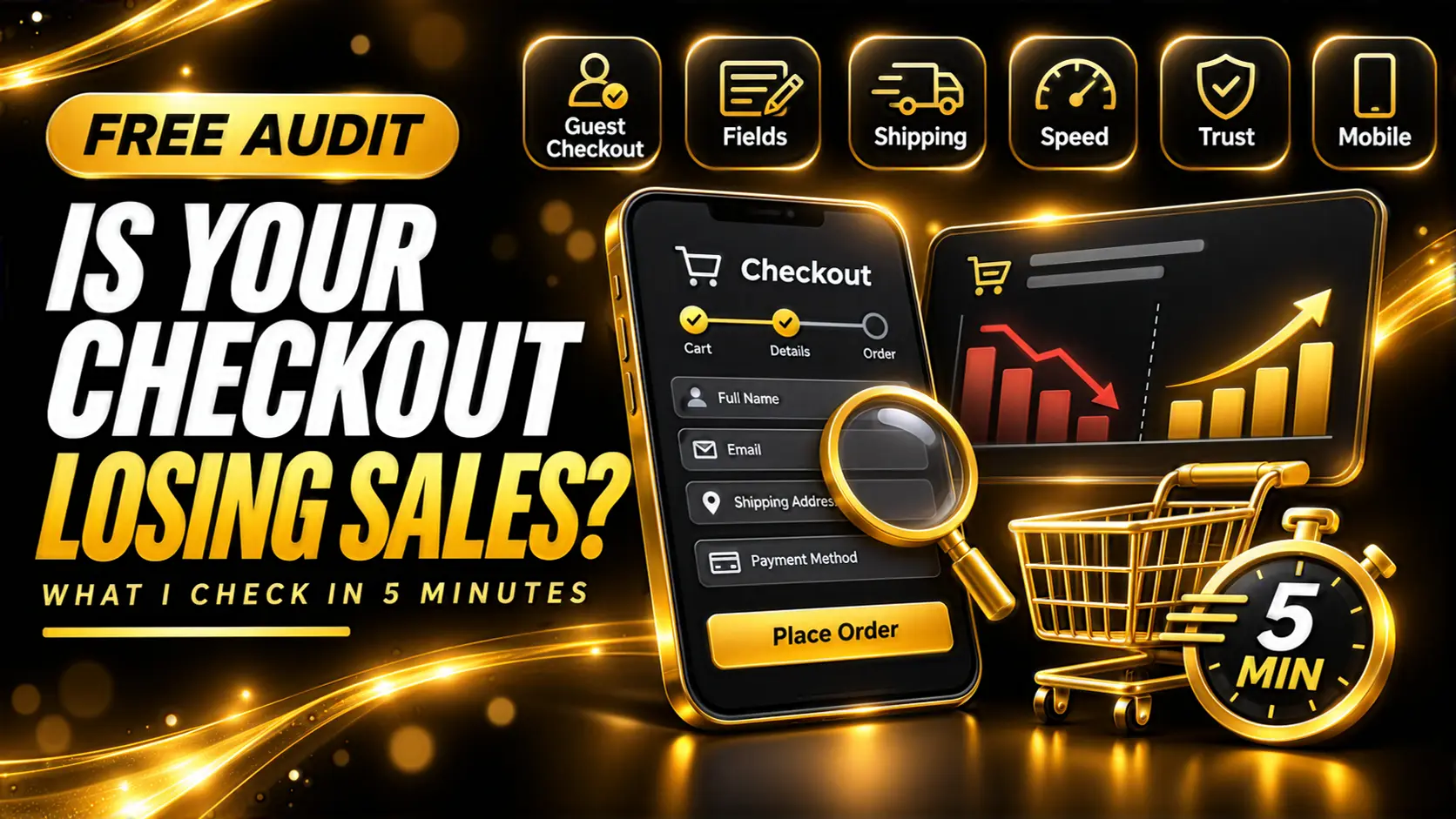
Is Your WooCommerce Checkout Losing Sales? What I Check in a 5-Minute Audit
People who reach checkout already want to buy. If they leave there, something on the page pushed them out. These are the ten things I look at first in a quick checkout audit, and how to fix each one.
Someone who reaches your checkout page has already done the hard part. They found your store, picked a product and decided to pay. When they leave at that point, it's rarely because they changed their mind about the product. Usually something on the page pushed them out.
I offer a free 5-minute checkout audit, and in most of them I find at least two of the problems below. I don't need a login for it. I go through the store the way a customer would, on a phone, and write down everything that gets in the way. You can do the same thing yourself with this list.
First, Is There Really a Problem?
Look at your numbers before you change anything. In WooCommerce, compare how many orders end up as Pending payment or Failed with how many reach Processing or Completed. In GA4, compare how many sessions reach checkout with how many purchases you get. If lots of people reach checkout and few finish, the checkout is the place to look. If hardly anyone reaches checkout, the problem is earlier: product pages, pricing or trust.
1. Forced Account Creation
If customers have to create an account to buy, some of them won't. They don't want another password. Turn on guest checkout in WooCommerce > Settings > Accounts & Privacy. You can still offer an account after the order is placed.
2. Too Many Fields
Count the fields on your checkout. Company name, a second address line, a confirm email field, "How did you hear about us?". Every extra field is one more reason to stop. Remove anything you don't need to ship the order or take the payment. Company name can almost always go, or at least become optional.
3. Shipping Cost Shows Up Too Late
Unexpected extra costs are one of the top reasons people abandon a cart. If the shipping price first appears on the checkout page, it feels like a surprise even when it's fair. Show a shipping estimate on the cart page, and put your free shipping threshold somewhere people will see it before they reach checkout.
4. Too Many Ways Out
Your checkout page has one job: take the payment. A full header menu, a newsletter popup, a "You may also like" row and a sidebar all give people somewhere else to go. A cleaner checkout with your logo, the order summary and a way to contact you usually does better.
5. It's Slow
Checkout can't be fully cached, so it shows how fast your server and plugins really are. If changing the address makes the page think for four seconds every time, people notice. Open your browser's network tab and watch the update_order_review request while you type an address. More than a second or two is worth fixing. My post on why WooCommerce stores are slow covers where that time usually goes.
6. Payment Errors Nobody Sees
Declined cards, 3D Secure popups that never open, PayPal buttons that don't load. Customers hit these, give up and leave, and you never hear about it. Check WooCommerce > Status > Logs for your payment gateway's log and look through your failed orders. If the same error keeps showing up, that's lost sales with a clear cause and usually a clear fix.
7. Not Enough Ways to Pay
Cards alone aren't enough for a lot of stores. Apple Pay and Google Pay turn mobile checkout into a couple of taps. Depending on where your customers are, PayPal, bank transfer, cash on delivery or a local wallet might matter more than cards. Look at who actually buys from you.
8. Nothing That Says "This Is Safe"
People are careful with their card details on a store they've never bought from. Show the payment logos near the pay button, a short line about your returns policy and a real way to contact you. A store with no phone number, no address and no returns page feels risky, even when it isn't.
9. Small Breakages on Mobile
On a phone, look for a chat bubble or cookie bar covering the Place order button, fields that open the wrong keyboard (it should be numbers for phone and card, the email keyboard for email), text too small to read, and a coupon box so big it pushes everything else down. Most store traffic is on phones now, so test on a real, cheap phone, not just a narrow browser window on your laptop.
10. Error Messages That Don't Help
Submit the form with one field missing. Does the page jump to the top with a red box that says "Billing Postcode is a required field" while the field itself is three screens further down? Clear messages next to the field, in plain words, save a lot of orders. So does keeping everything the customer already typed when something goes wrong.
What About Abandoned Cart Emails?
You should have them. They're some of the easiest money in ecommerce. But they win back people you already lost. Fix the checkout first, then let the emails handle the people who left for normal reasons, like the kettle boiling or a meeting starting.
Final Thoughts
You don't need a redesign to sell more. Most checkout fixes are small: turn on guest checkout, remove three fields, show shipping earlier, fix one payment error. Each one is worth a few percent, and they add up quickly.
If you'd like me to look at yours, I still do the free 5-minute WooCommerce checkout audit. Send me your store link through my services page and I'll go through it on a phone and tell you the biggest problems I find. If you want them fixed, that's part of my WooCommerce Bug Fixing & Performance service.